
Fit conditions confirmed
PA/PE vacuum bag
Puncture resistant · Customizable

Webdinh Product Catalog
Help buyers find products, narrow the range, understand differences, and request a quote with specific product context inside one clear and reliable product-fact system.
Discoverable
Categories and entrances match purchasing tasks
Evaluable
Key specifications and fit conditions are clear
Trustworthy
Product information comes from confirmed facts
Ready for RFQ
The contact path preserves product context
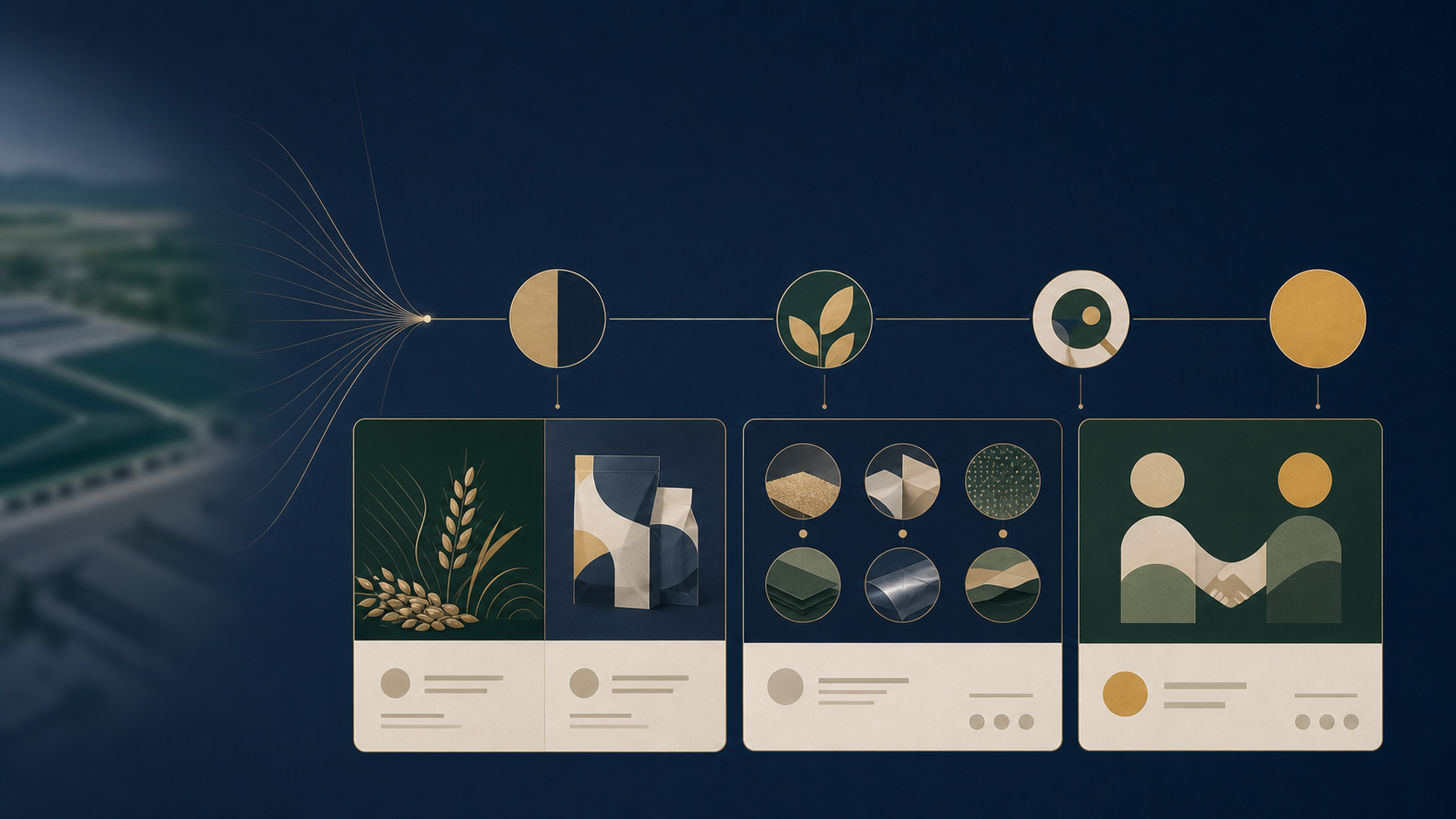
Synthetic scene · Product facts require customer confirmation
Why inquiry efficiency is low
When names, categories, specifications, units, and images are not organized into a clear search-and-RFQ path, buyers do not know where to start, which product to inspect, or what context to send. A visual redesign alone only moves the same inconsistency into a new layout.
Internal names are exposed directly while classification rules conflict.
Buyers do not know whether to start by use, material, specification, or model.
Specifications, units, fit conditions, and limits are insufficient for the next decision.
Unreliable filters force buyers to open pages one by one or ask repeatedly.
The contact form does not carry the product and need, so sales must start again.
What Catalog solves
Help buyers move from product discovery and narrowing to a contextual inquiry through one clear path.
Find
Organize entrances by use, product family, or purchasing context so buyers know where to begin.
Narrow
Enable only evidence-backed filters and recommendations; do not manufacture false precision when fields are incomplete.
Understand
Present confirmed specifications, fit conditions, limits, images, and necessary evidence so buyers understand the differences.
Act
The RFQ or contact route preserves the product, category, and selected conditions, reducing repeated sales questions.
Before / After
Catalog does more than restyle a page. It connects products, selection conditions, and inquiry in one continuous path.

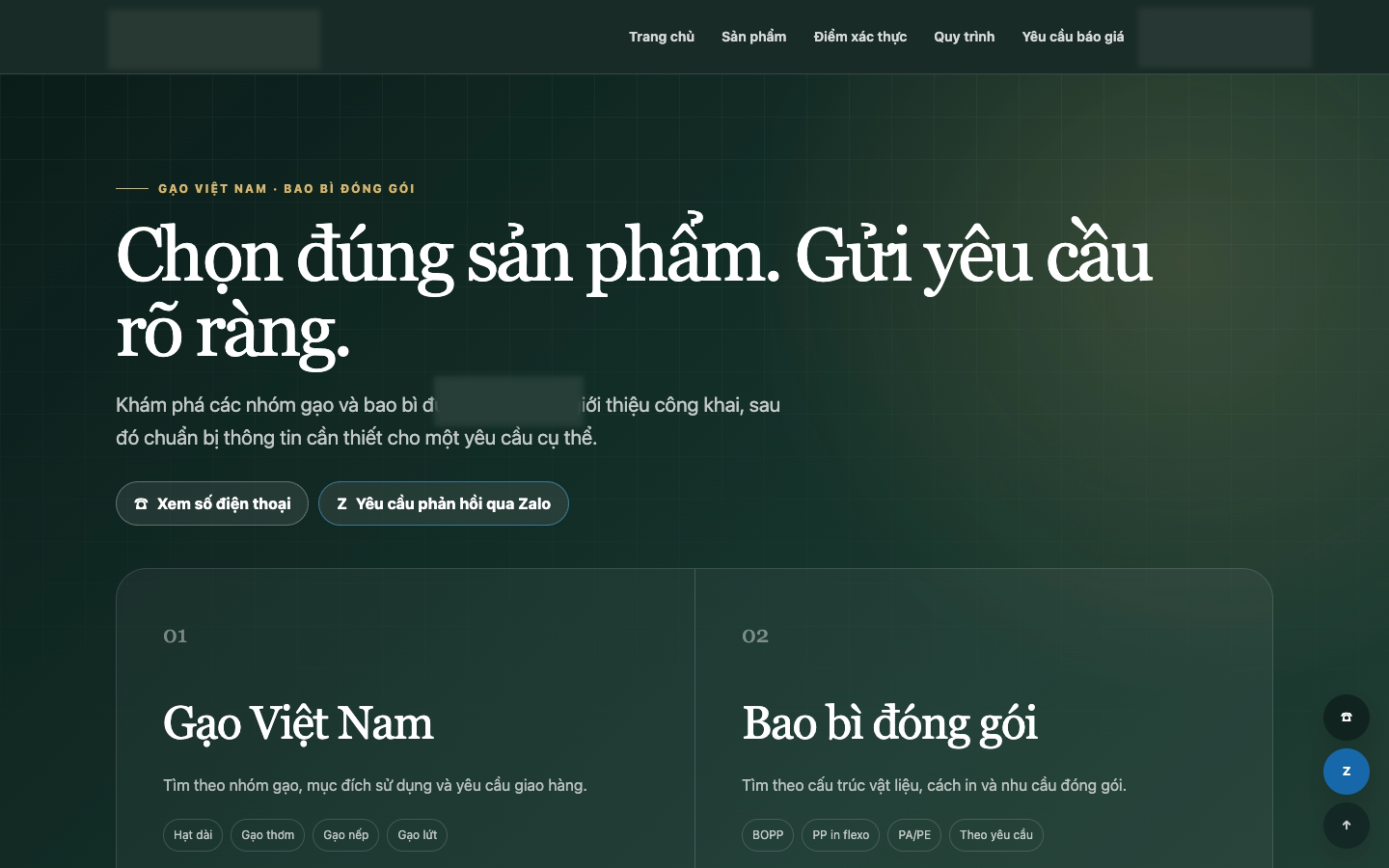
Benefit: an inquiry starts with a specific product and conditions, not a generic question.
Anonymized controlled-test material. The comparison demonstrates page-structure change only; it is not evidence of customer business results.
Structure demonstration
The following screens test how product information is categorized, filtered, and carried into inquiry. They are not a real customer case or evidence of business results.
Priority product category
Fit conditions confirmed
Puncture resistant · Customizable
Size requires confirmation
Sealable · Printable
Filter by use
Multiple thicknesses
Basic specifications available
Film roll · Packaging use
The inquiry carries the category, candidate product, and selected conditions
Comparison boundary: Product comparison is off by default. It is enabled only when candidates are substitutable, fields are reliable, and comparison genuinely reduces decision cost.
Resolve where buyers begin, how they narrow, and what supports judgment before organizing the page.
Professional fields, units, and fit conditions have factual support instead of changing from page to page.
Catalog follows the existing style or an accepted PLUS visual baseline instead of inventing a separate visual system.
Complete one category path, two representative detail pages, and one contextual RFQ before expanding in bulk.
Product & price
A company can build the complete Catalog or start from one priority product direction. Both use the same category, field, and inquiry foundation.
Complete expansion scope
Quoted against the confirmed scope
For B2B companies that need a systematic product structure, selection path, representative detail pages, and inquiry chain.
Focused starting scope
From 5,800,000 VND
Start with one priority product direction and connect categories, representative details, and RFQ into a complete path that can expand later.
The quotation reflects product categories and quantity, input completeness, language, filtering approach, and technical conditions. Scope, total price, and timing are locked together after confirmation.
Start from one priority direction
Use Mini Check to share the website, priority product category, and current data condition. Webdinh will use that context to identify whether categories, detail pages, filters, or the inquiry path should come first.
Mini Check keeps the Product Catalog context so you do not need to explain the same need again.